

If your team’s Instagram only posts final scores, you’re leaving engagement on the table. Programs that grow their following and pack the stands post a regular rhythm of graphics around every game.
You don’t need a designer or hours of work. Here are the five graphics every team should post this season, why they work, and how to create them in just a few taps.
1. The Game-Day Announcement
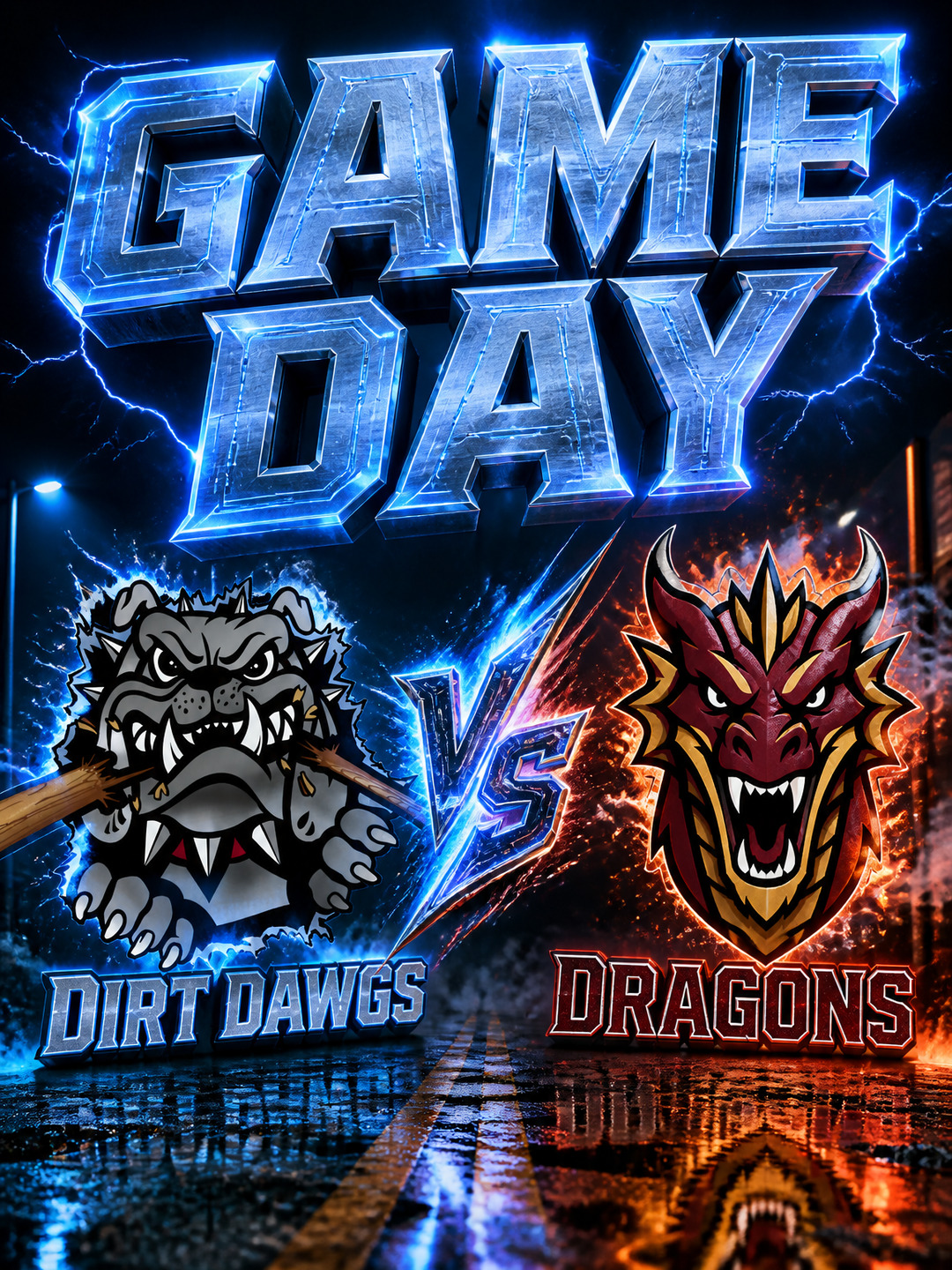
Post this on the morning of the game. It serves as a matchup reminder, a visual hype card, and an invite all in one.
- Why it works: Fans and parents share it to their own stories, spreading the word and filling your stands.
- How to make it: Select the Game Day layout, load your team logo, add details, and choose your style.
2. The Final Score
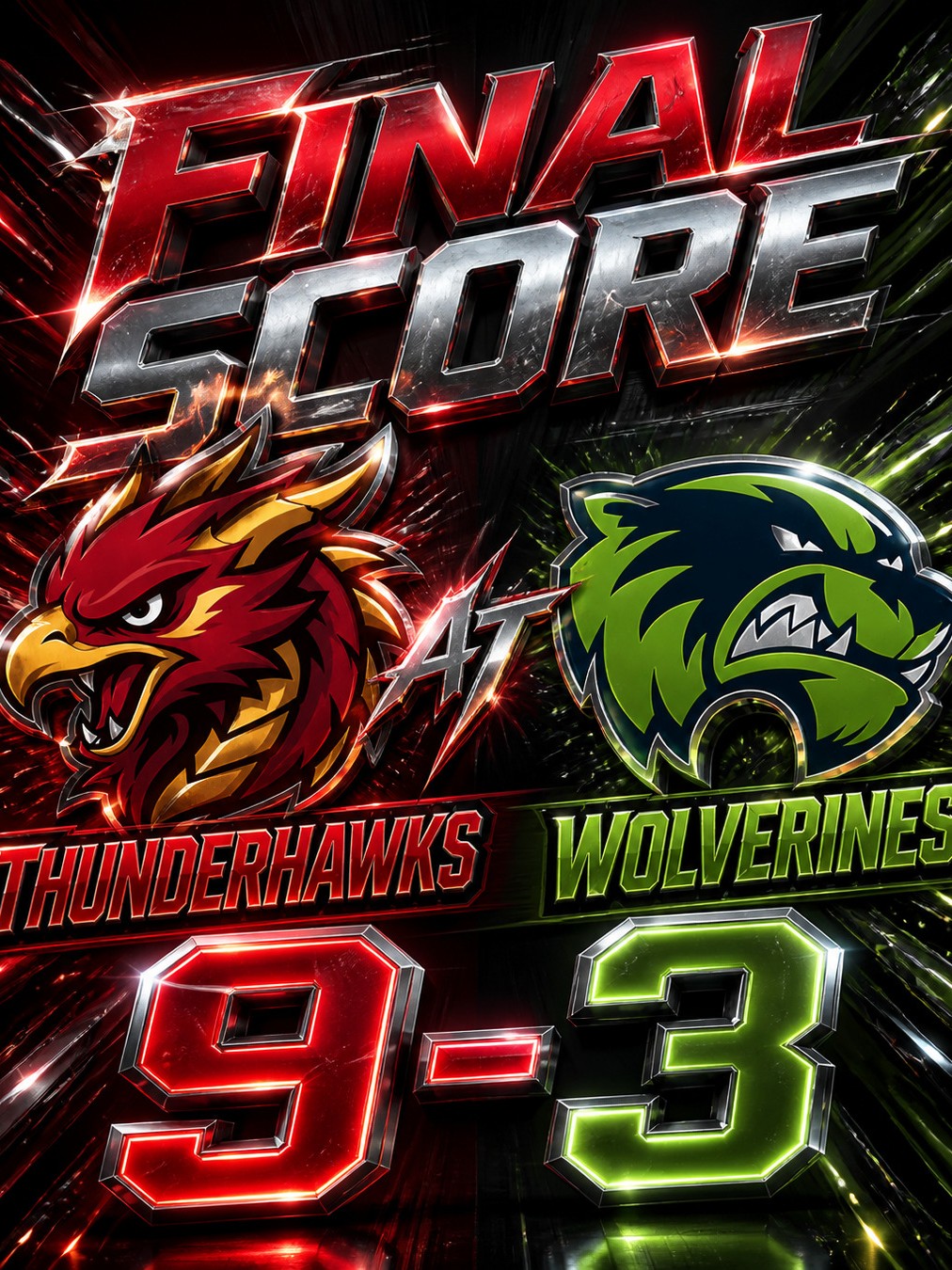
Win or lose, a polished score graphic with your team colors looks like a professional highlights card, not a text message.
- Why it works: It’s the go-to graphic fans look for post-game. Lock in a signature style your feed becomes known for, or mix it up every game — either way, a polished score card keeps fans coming back.
- How to make it: Choose the Final Score layout, drop in the score, and you’re done.
There’s no wrong way to do it — some teams love a consistent look, others thrive on variety. Either way, save your boldest styles for the games that earn it: rivalry night, playoffs, Senior Night.
3. The Starting Lineup
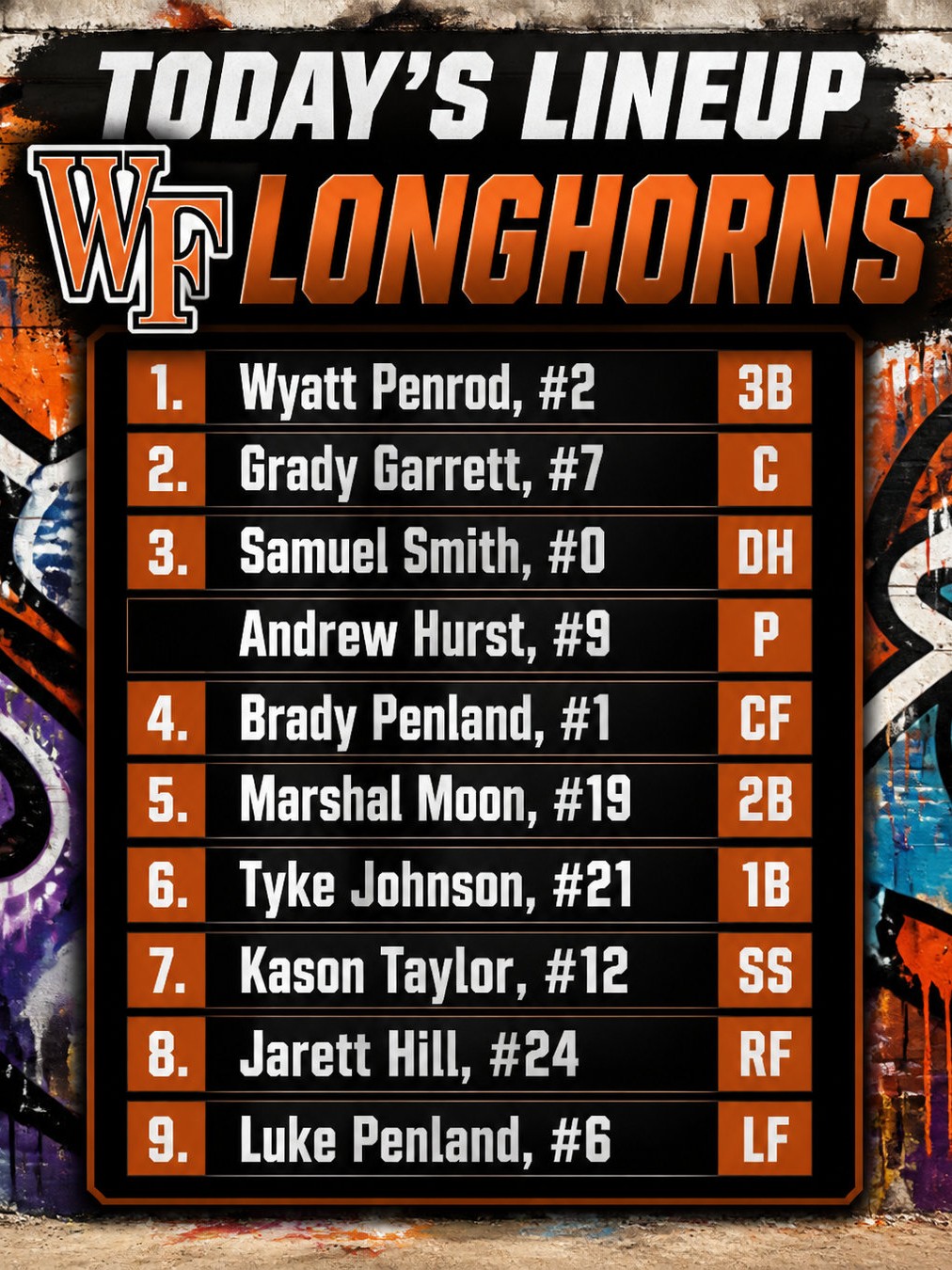
Roll out your starting lineup before game time to build player hype and fan excitement.
- Why it works: Players love posts they’re featured in — tag them and they’ll share it with their own followers, instant reach for your program.
- How to make it: Pick the Starting Lineup layout, add names and numbers, and generate.
4. The Player Spotlight

Celebrate standout performances, player milestones, or senior highlights on Senior Night.
- Why it works: These ones hit home. Families save and reshare them, and younger players see a program that celebrates its athletes.
- How to make it: Select a Spotlight layout and drop in any player photo along with the player stats — our AI removes the background and blends the player into the new image. No complicated software, no courses to buy.
5. The Post-Game Recap
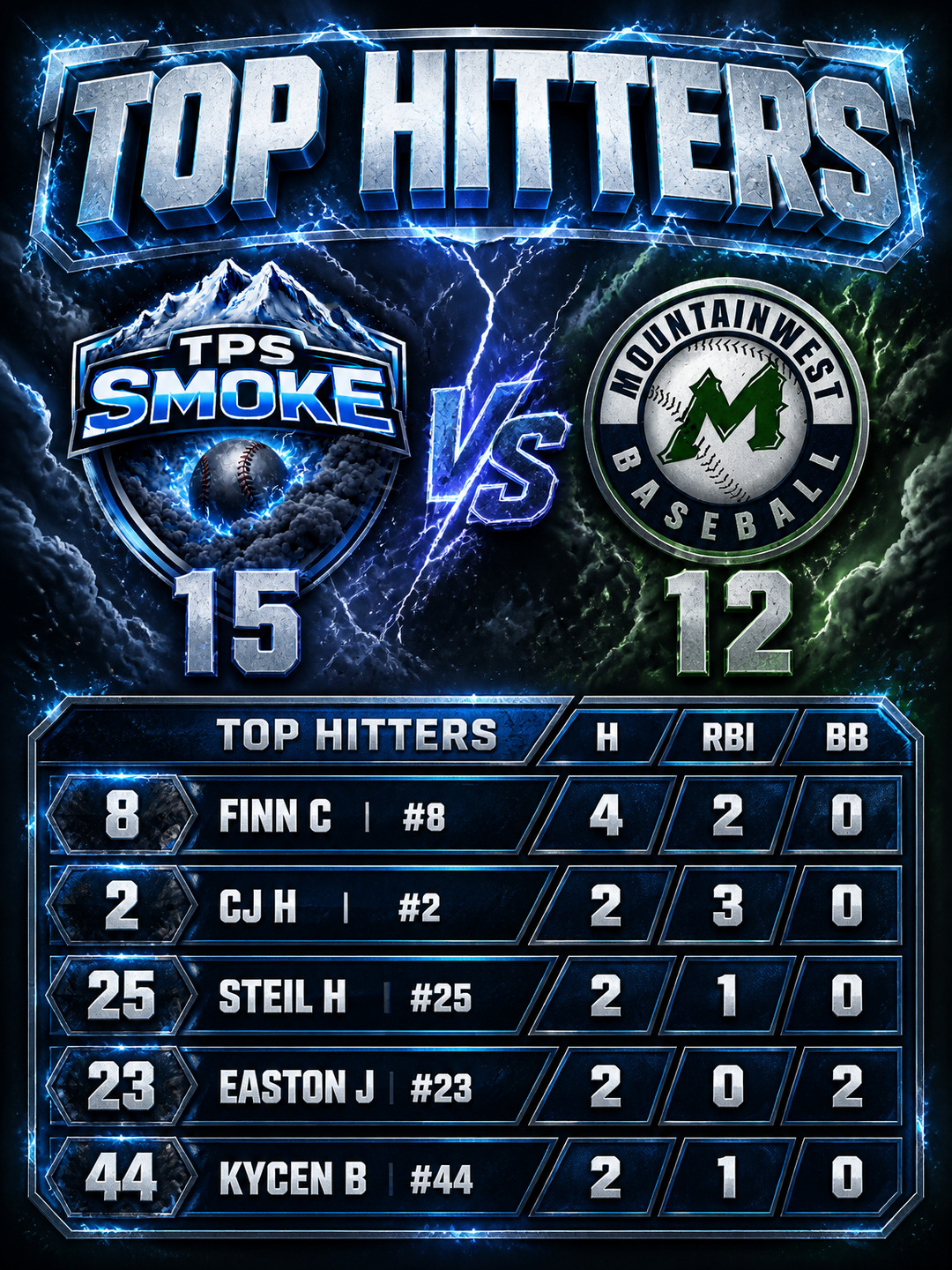
Summarize top stats or key takeaways from the matchup to keep fans updated on the season’s storyline.
- Why it works: Anyone who missed the game gets caught up in one glance, and it gives standout players a second shareable moment.
- How to make it: Choose the Top Hitters layout and drop in a box score from GameChanger — the stats get pulled out automatically, no typing required.
Put Them on a Simple Rhythm
You don’t need to post all five for every game. A simple, effective cadence:
- Game Morning: Announcement
- Pre-Game: Lineup
- Post-Game: Final Score
- Next Day: Spotlight or Recap
A few minutes of work transforms your page into a premium sports media destination. Once you’ve created your first graphic, the rest of the season is easy.