

Ideas & how-tos for game-day social
Tips and guides to make your team's posts look pro.
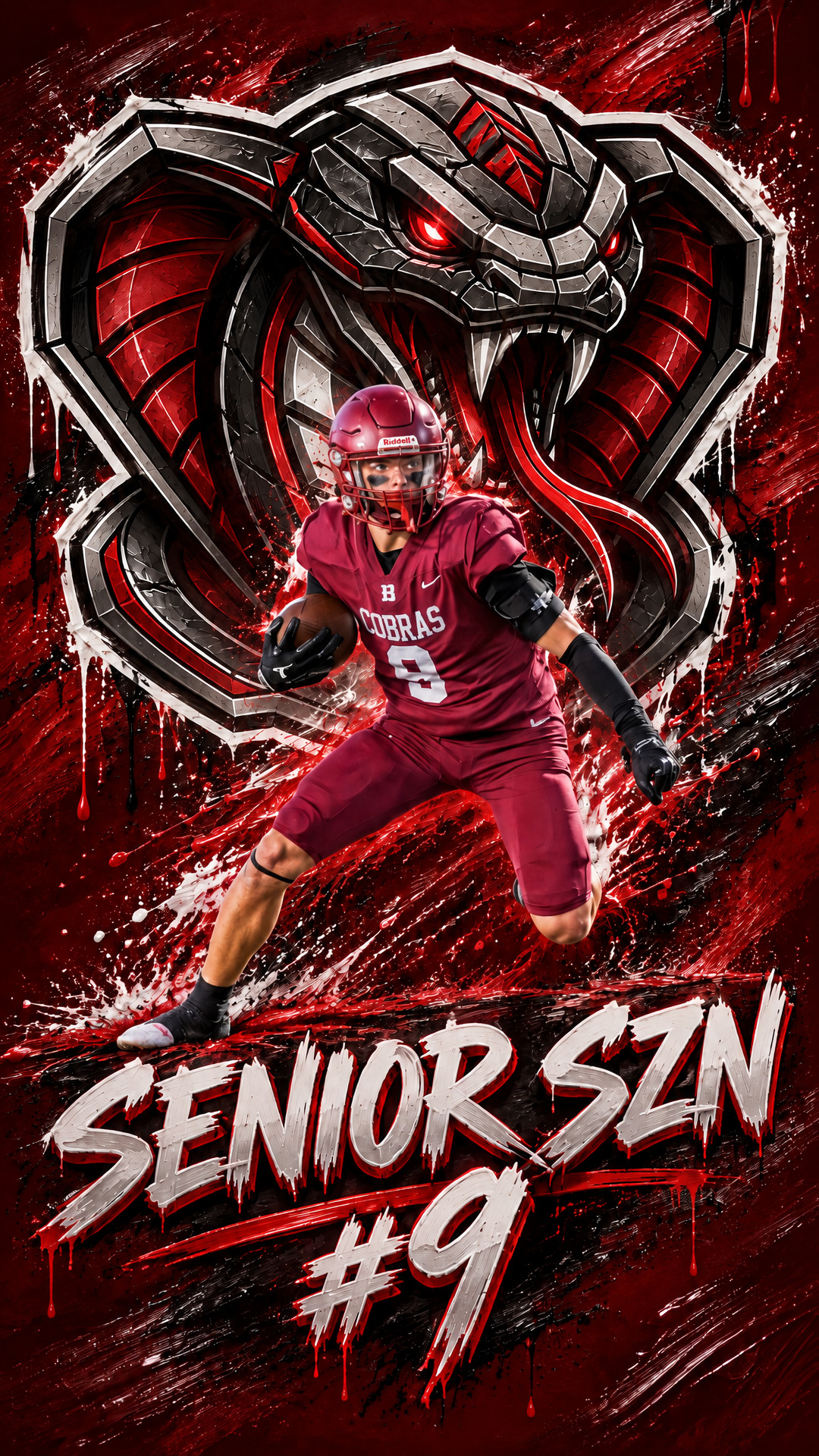
Make a Custom Phone Wallpaper of Your Athlete
Turn a season photo of your athlete into a lock screen they'll see every time they pick up their phone. Add their name, pick a style, and set it in minutes.

Sharper, Bolder Sports Graphics in Under 30 Seconds
The same Player of the Year graphic, before and after our upgrade: crisper photos, bolder color, cinematic lighting, and 3D lettering. Under 30 seconds.
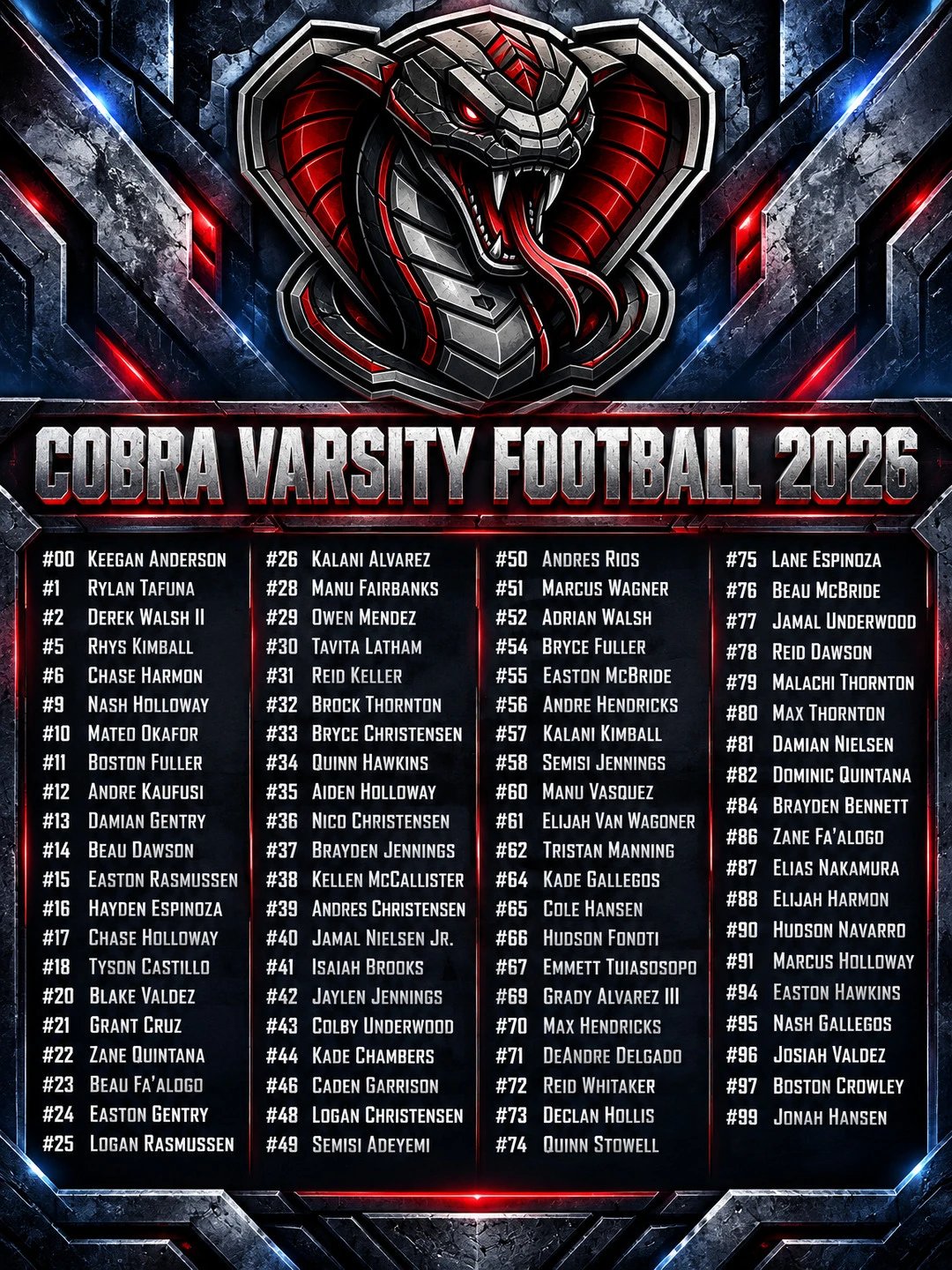
Make a Roster Graphic Your Whole Team Will Share
Your roster post is the one every family shares. Turn your team list into a roster graphic that looks pro, in minutes, with no designer.

Your Best Award Photo Has a Chain-Link Fence in It
Fence, cinder block, another game finishing behind third base. Tournament Honors keeps the athlete exactly as photographed and rebuilds everything behind them.
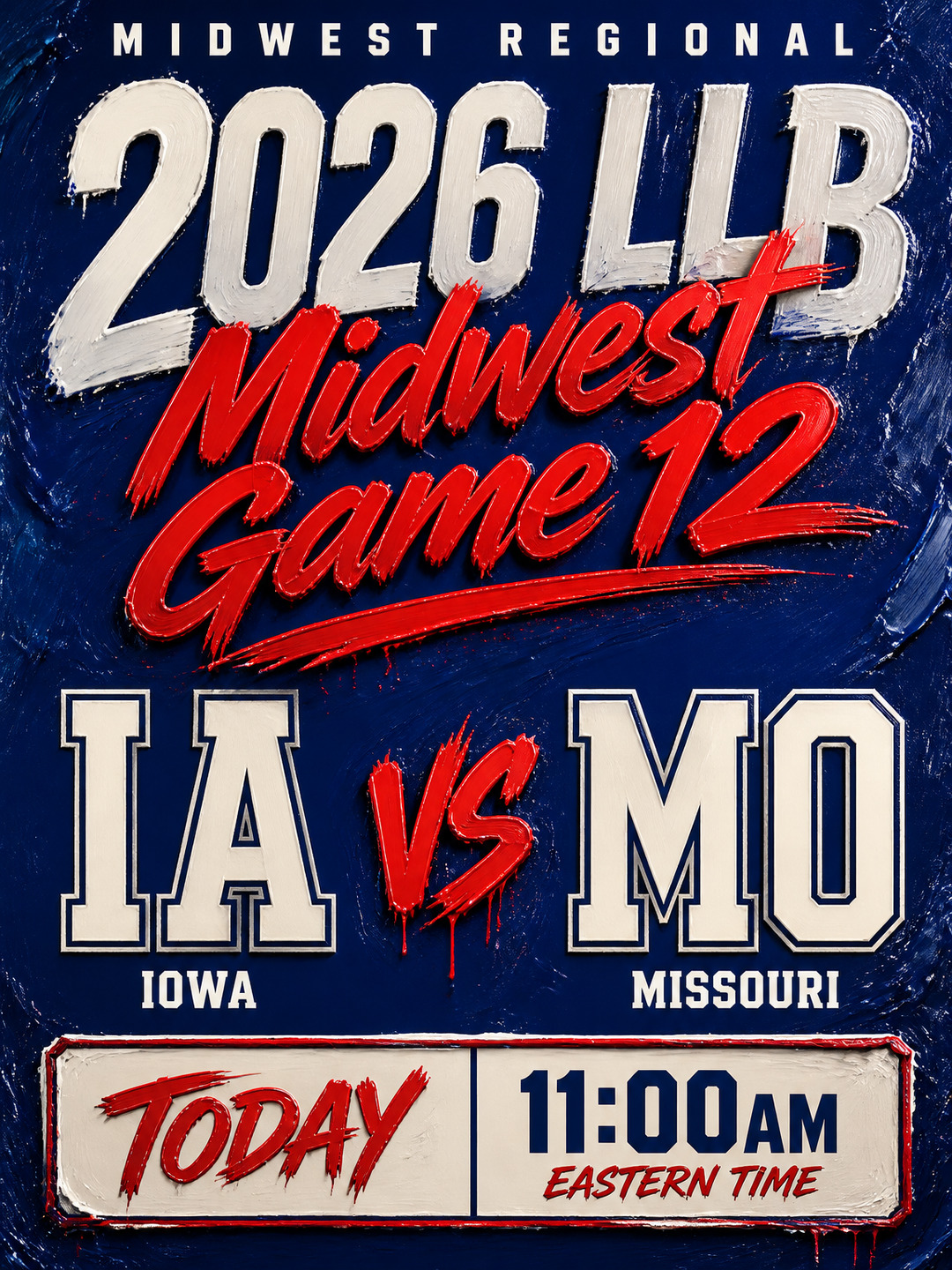
Posting Matchups for Teams From Anywhere in the Bracket
Brackets pull teams from everywhere — regional qualifiers, all-star squads, international sides. Here is how to post a matchup graphic for any two of them.
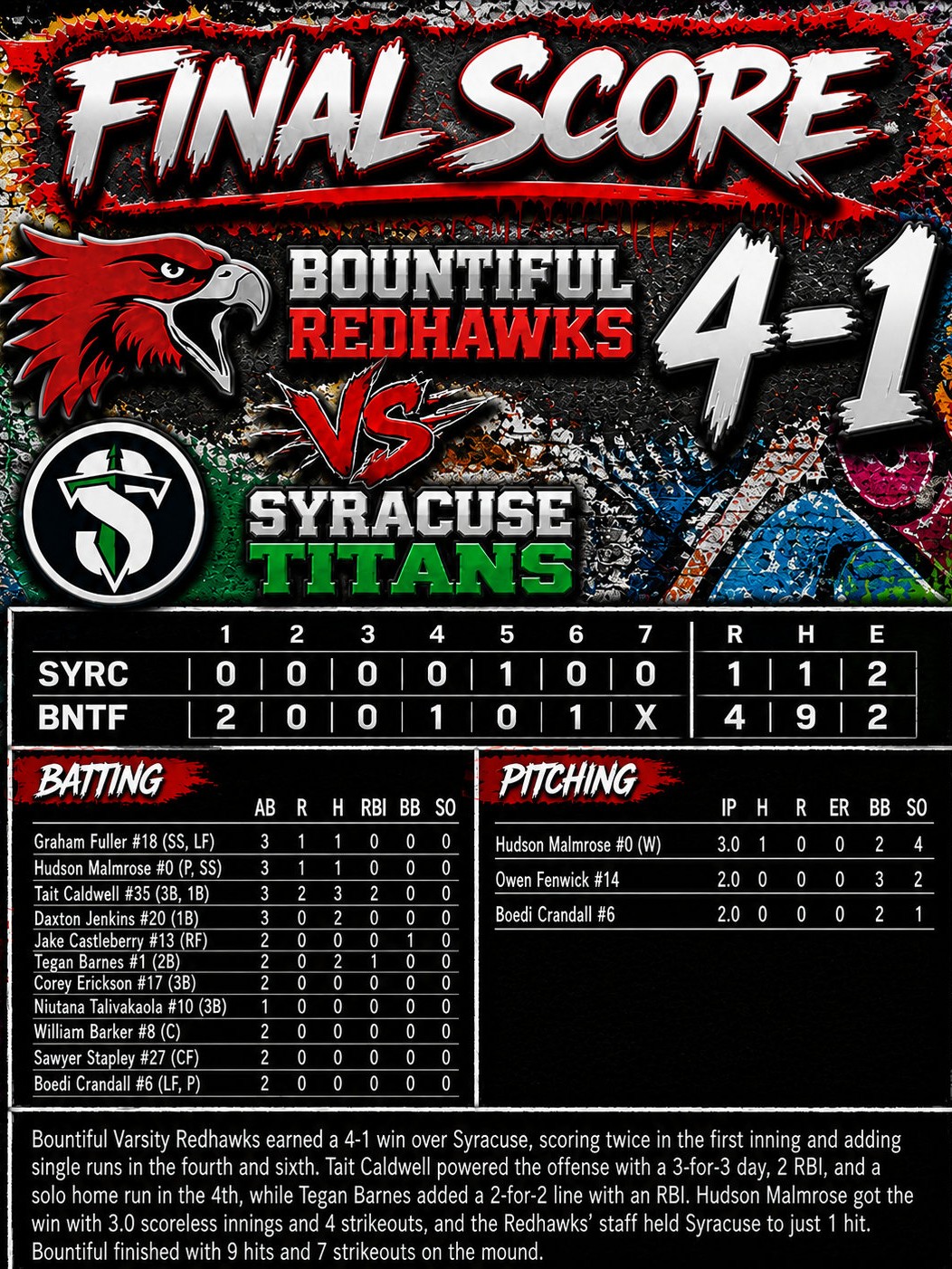
How to Turn GameChanger Box Scores into Pro Graphics
Stop manually typing stats and designing post-game highlights. Here is how to turn your GameChanger box score into pro graphics automatically.
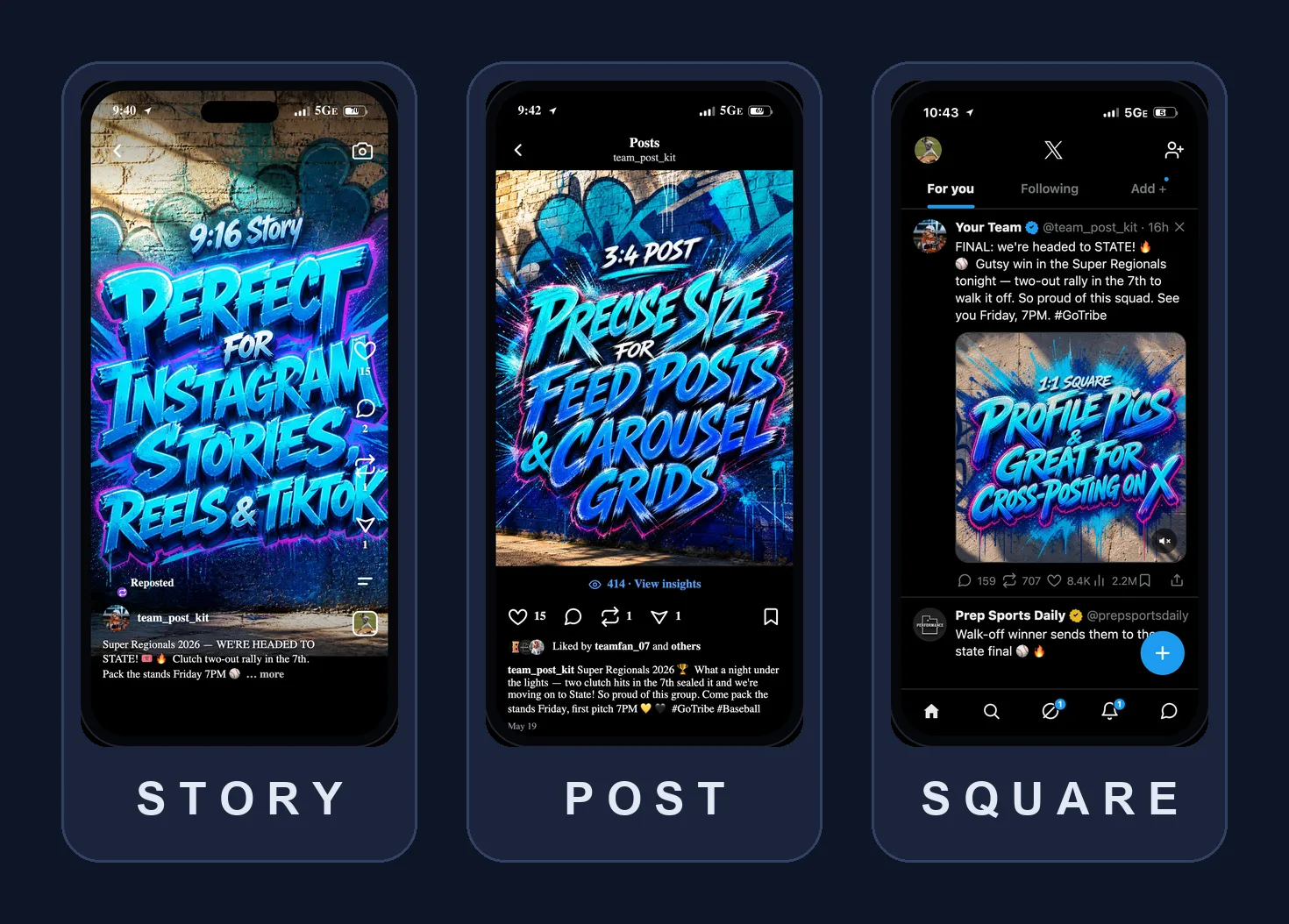
The Only 3 Social Media Sizes Your Team Needs
Story, Post, Square. Master these three aspect ratios and your team's graphics will look perfect on every social media platform.

5 Game-Day Graphics Every High School Team Should Post This Season
The five social graphics that drive the most engagement for high-school sports programs — and how to make each one without a designer.
Turn an idea into a finished graphic
Pick a layout, drop in your logos, and post — free to start.
Start free