

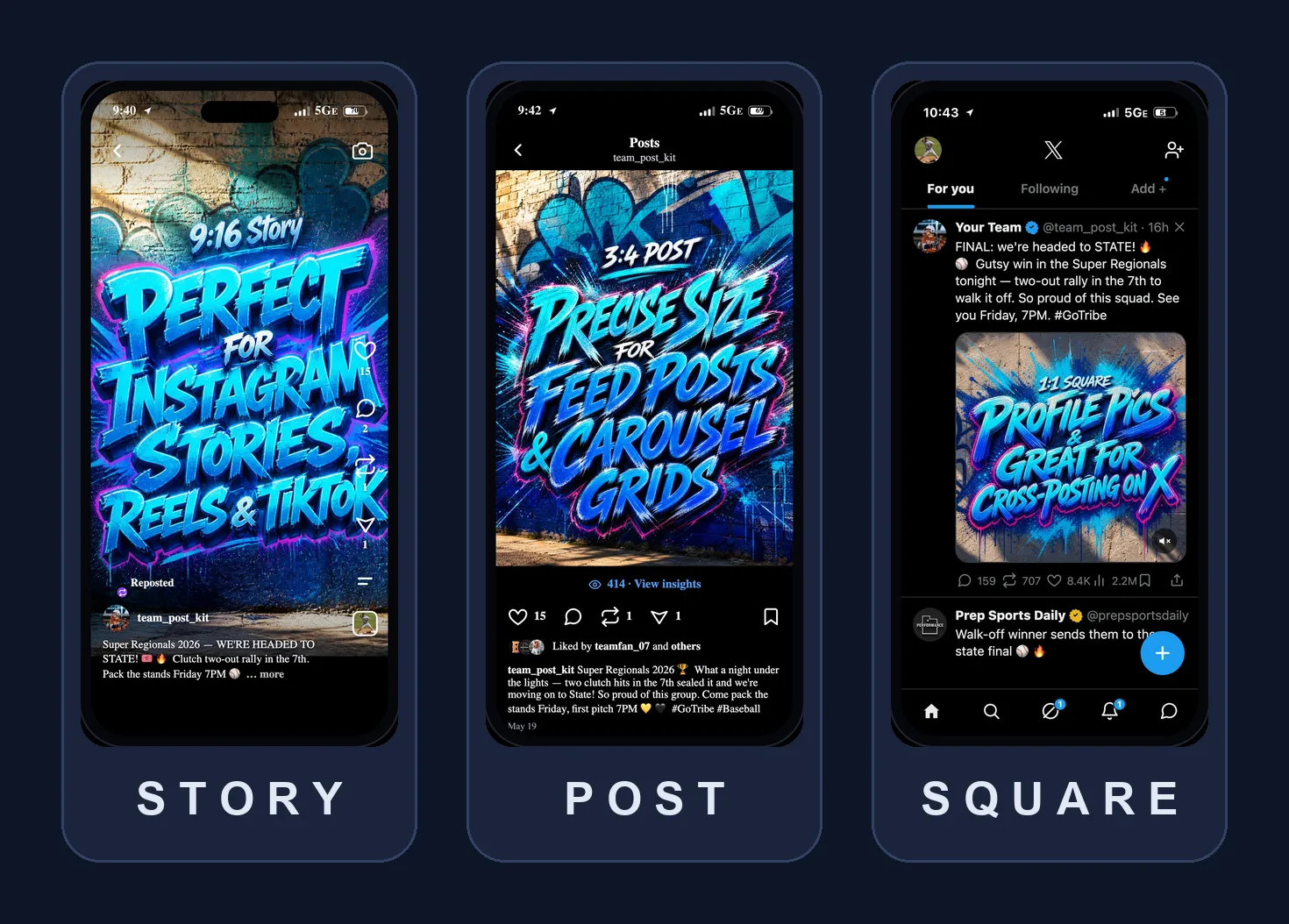
Posting sports graphics that get cut off or pixelated makes a program look amateur. To keep your feed looking professional, you only need to master three core layouts: Story (9:16), Post (3:4), and Square (1:1).
Here is how each size works and where to post it.
Every Team Post Kit layout exports in all three.
1. What Size Is an Instagram Story? (9:16)
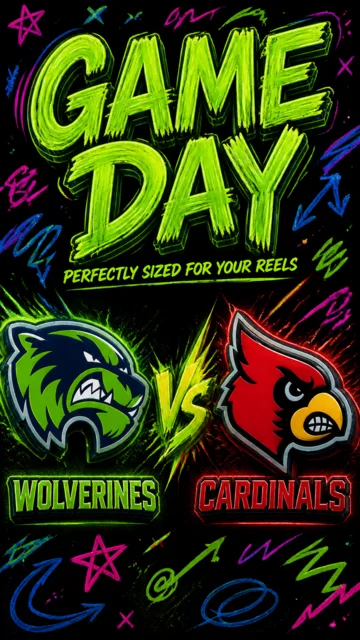
A Story is 9:16, which is 1080 × 1920 pixels, the size Meta recommends for Instagram Stories. The vertical layout is the standard for Instagram Stories, TikTok, and YouTube Shorts. It takes up the entire mobile screen for maximum impact.
- Best for: Real-time updates, game-day announcements, lineups, and athlete reshares.
- Why it matters: Stories drive immediate attention. Because they fill the whole screen, they’re built for quick, in-the-moment sharing.
2. What Size Should an Instagram Feed Post Be? (3:4)
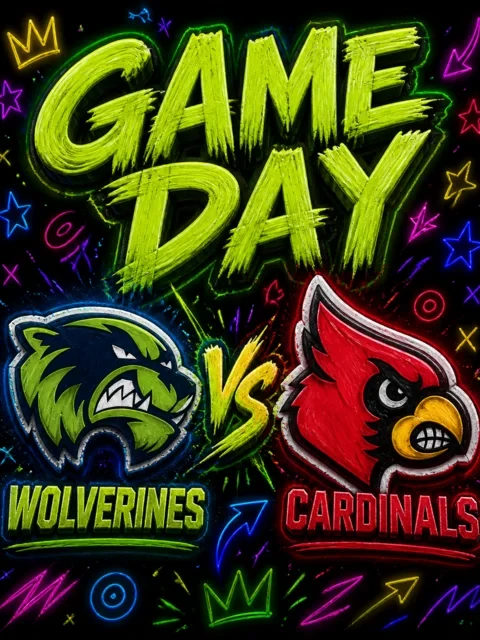
A feed post should be 3:4, which is 1080 × 1440 pixels: the tallest photo Instagram keeps at full resolution. The portrait layout is the gold standard for your main Instagram feed. It is taller than a standard square, taking up more vertical screen estate. In 2025 Instagram switched its profile grid to 3:4 tiles, so a 3:4 post fills your grid preview edge-to-edge with no cropping — where the older 4:5 size gets trimmed top and bottom on the grid.
- Best for: Final score posts, player spotlights, game recaps, and schedule drops.
- Why it matters: Taller feed posts occupy more screen space as users scroll, giving your team more time to capture attention — and 3:4 keeps your profile grid clean and uncropped.
3. When Should You Use a Square? (1:1)
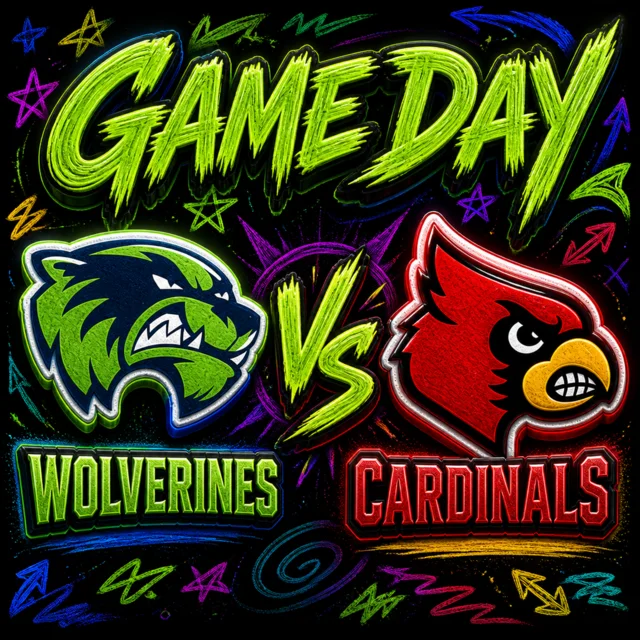
Use a square when the same graphic is going to several platforms at once. The square is the traditional aspect ratio that works universally across Instagram, Twitter/X, and Facebook without any cropping.
- Best for: Cross-platform announcements and final scores.
- Why it matters: If you post to multiple platforms simultaneously (like sharing to both Twitter and Instagram), the square format guarantees nothing gets clipped.
One Design, Every Size
You shouldn’t have to start from scratch three times just to post in different places.
In the Team Post Kit builder, Story, Post, and Square are all built-in formats — pick the size you need and the design is composed for that shape from the start, with your text, logos, and details kept crop-safe. Need another size? Just run it again in a new format.
Which Size Should Each Team Graphic Use?
Use Story for anything people should see today, and Post for anything they’ll save or come back to. Here’s how that plays out across a season:
| Graphic | Best size | Why |
|---|---|---|
| Game day | Story, then Post | The Story is the morning reminder; the Post stays on your feed. |
| Final score | Post | It’s the one fans look for after the game. |
| Starting lineup | Post | Every name stays easy to read in the feed. |
| Schedule | Post | Families screenshot it and keep it all season. |
| Roster | Post | A full roster needs the height. |
| Tryouts flyer | Story | It’s the format parents reshare into group chats. |
| Phone wallpaper | Story | It’s already the shape of a phone screen. |
Why Do Graphics Look Blurry After You Post Them?
Usually because the image got resized or compressed on the way. Instagram sizes photos wider than 1080 pixels down to 1080, and enlarges photos narrower than 320 pixels, according to its own help page. Start with a 1080-wide file and nothing gets resized.
The other common causes happen before the upload:
- Screenshots. A screenshot of a graphic is a copy of a copy. Post the downloaded file instead.
- Text messages. Sending a graphic by text often shrinks it. Share the original from your camera roll, or send a link.
- Re-cropping in the app. Instagram’s crop tool trims a 9:16 graphic down for the feed. Download the Post size instead of squeezing the Story into the feed.
Do You Need a Different Size for TikTok or YouTube Shorts?
No. Both are vertical, full-screen formats, so the Story size (9:16) works for TikTok, YouTube Shorts, and Instagram Stories alike. Make it once and post it everywhere vertical.
Should You Post the Same Graphic as a Story and a Post?
Yes, for the big ones. A Story disappears and a feed post stays, so on game day post the Story in the morning for the reminder, then the feed Post for anyone who scrolls your profile later. Make both from the same details.
What Gets Covered on a Story?
Your profile name sits across the top of a Story and the reply bar across the bottom. Keep scores, dates, and names away from the very top and bottom edges.
Team Post Kit’s Story size already keeps your text and logos inside that safe area, so this matters mostly for anything you add on top in Instagram, like stickers, tags, or a link.