

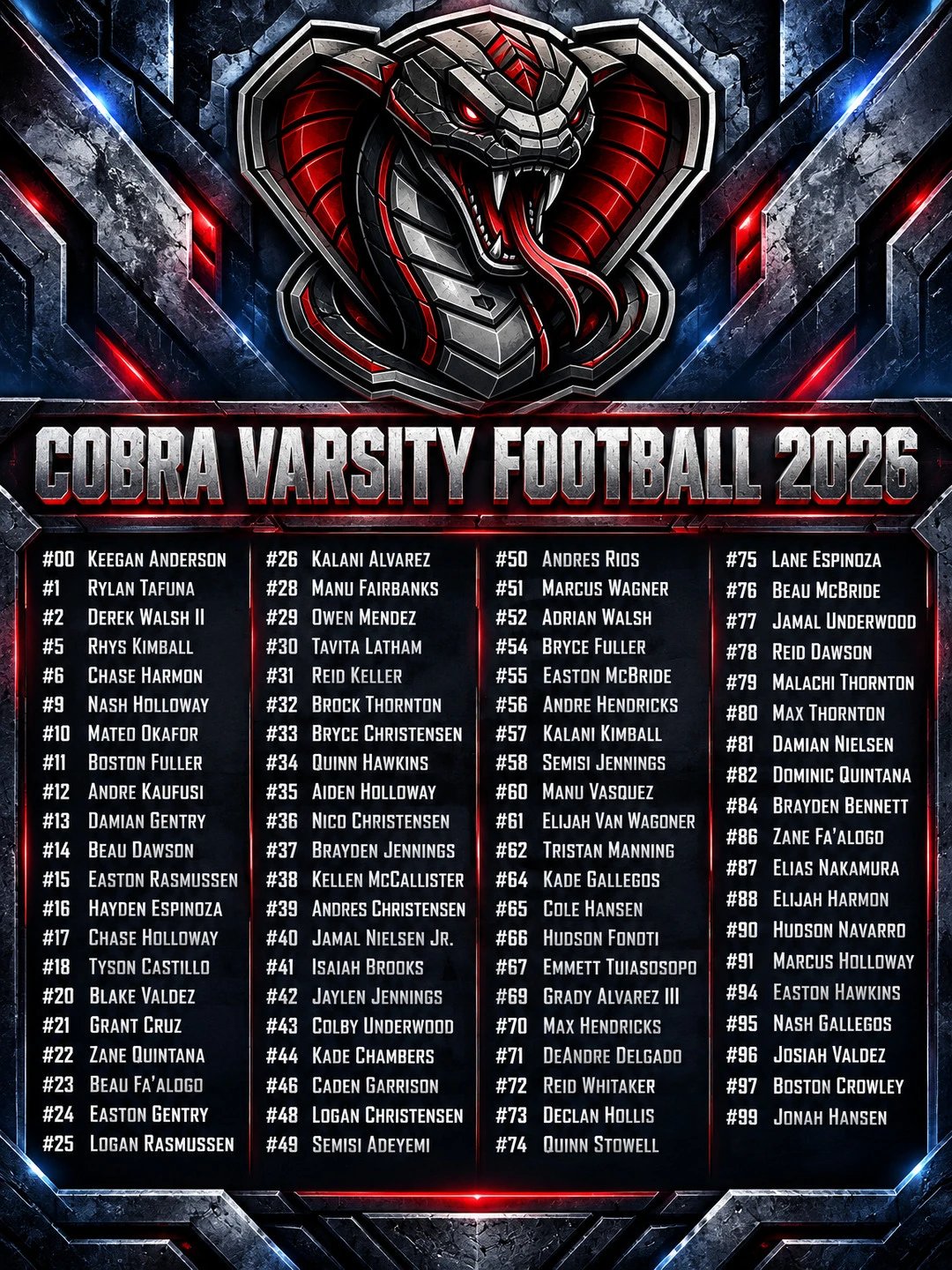
Roster announcement day is one of the biggest posts of your season. Every player is on it, so every family shares it: parents, grandparents, teammates, the kid’s friends from school.
Give them something worth sharing.
Start With the List You Already Have
Paste your roster in, or just upload a screenshot of it from your team app, the school website, or the coach’s PDF. Add your team logo. That’s it.
Pick a Look That Hypes the Team
Neon graffiti, jungle stone, steel and red lights, weathered wood. Pick a style and your roster comes back looking like a pro designed it, ready to download and post.
Coaching football? The whole varsity roster fits on one graphic, like the one above.
Get the Most Out of the Post
- Post it the day the roster is set. That’s when families are watching for it.
- Tag your players in the caption. Every tag puts your post in front of another set of followers.
- Pin it to your profile. New followers see the whole team all season long.
- Pair it with your schedule. Post your schedule graphic a day before or after, so each one gets its own moment.
When games start, keep it going with a starting lineup on game day.