

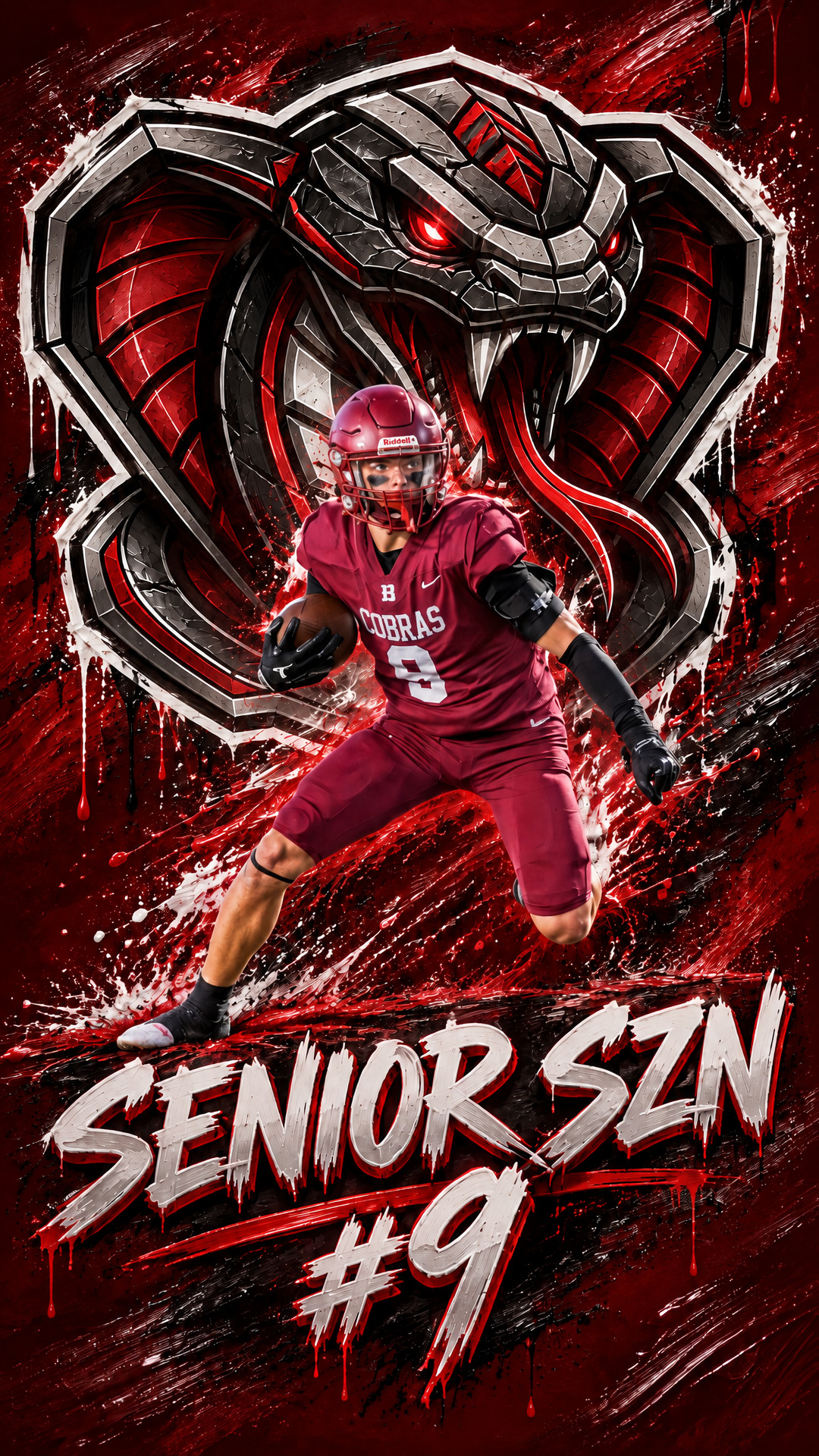
Your camera roll is full of photos from the season, and most of them never leave your phone.
Turn the best one into your athlete’s phone wallpaper, and they’ll see it every time they pick up their phone. Make one for one kid and don’t be surprised when the siblings ask for theirs.
Start With One Good Sports Photo
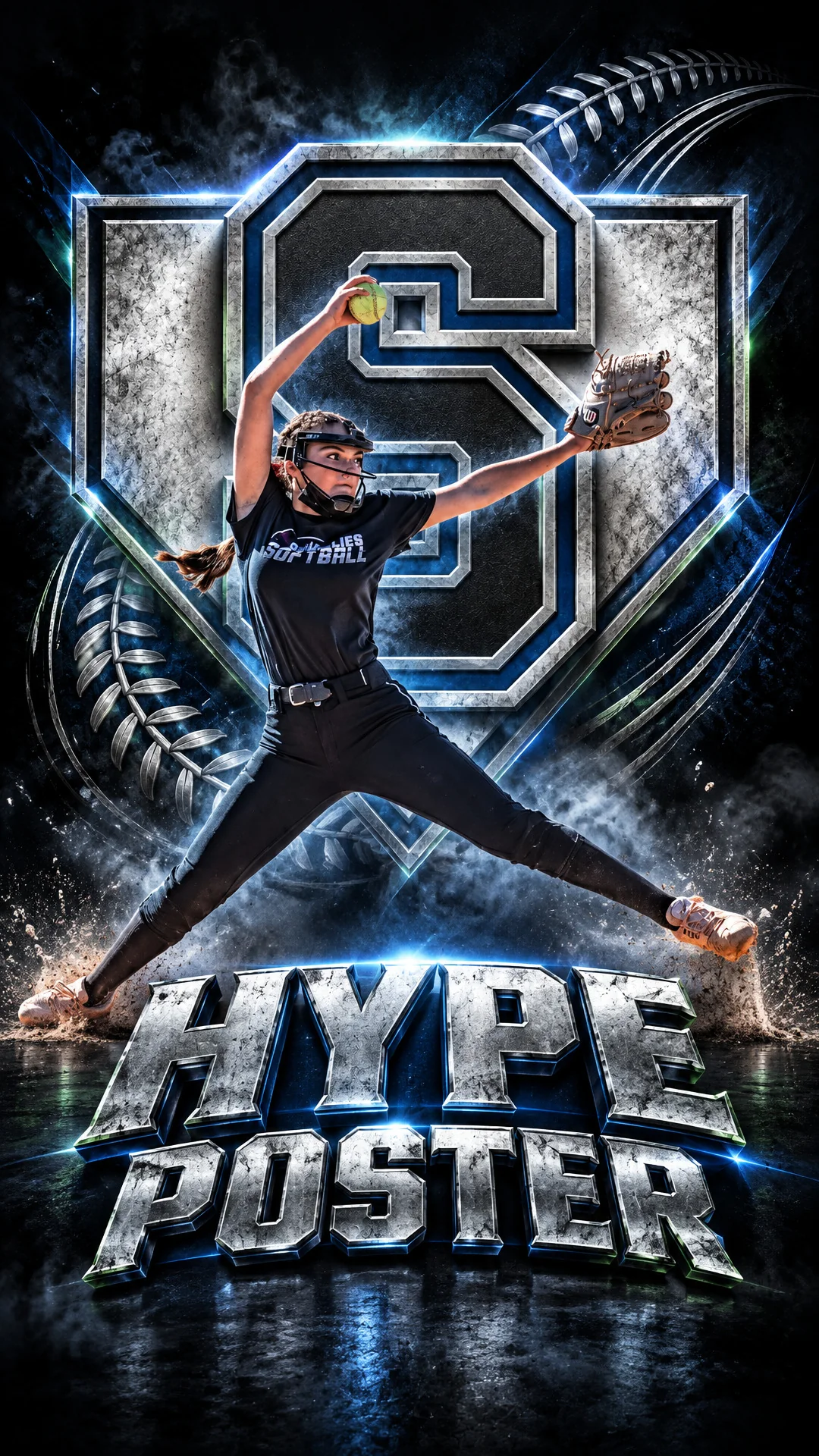
Pick a clear, well-lit shot where your athlete fills the frame: a pitch, a swing, a breakaway, a celebration. Add their name and number, or a line like SENIOR SZN. A team logo is optional, but it makes the background pop, like the chrome logo behind this pitcher.
Pick a style, and the whole wallpaper is designed around your photo. No prompts, no design app.
Want the Magazine-Cover Look?

Double Exposure, on the Pro plan, layers a big ghosted second photo behind your athlete: a close-up, or a different angle from the same game. Add an event or team name and it reads like a magazine cover made just for them.
No great photo? Logo Transform turns your team logo into art, for a wallpaper the whole team can use.
Set It as Your Lock Screen
Download the Story size. It’s made for phone screens, so it fills your lock screen.
- iPhone: open the image in Photos, tap Share, then Use as Wallpaper.
- Android: open it in your gallery app and choose Set as wallpaper from the menu.
- Line it up: drag the image so the name sits where you want it before you save.
When to Make One
- Opening day or senior year. Start the season with it on their phone.
- Birthdays and holidays. A gift they’ll actually look at every day.
- The end of the season. Coaches and team parents can make one for every player on the roster.
- Post it, too. It’s already Story-sized, so share it to your Instagram Story and tag your athlete.